01Character · Hero / NPC
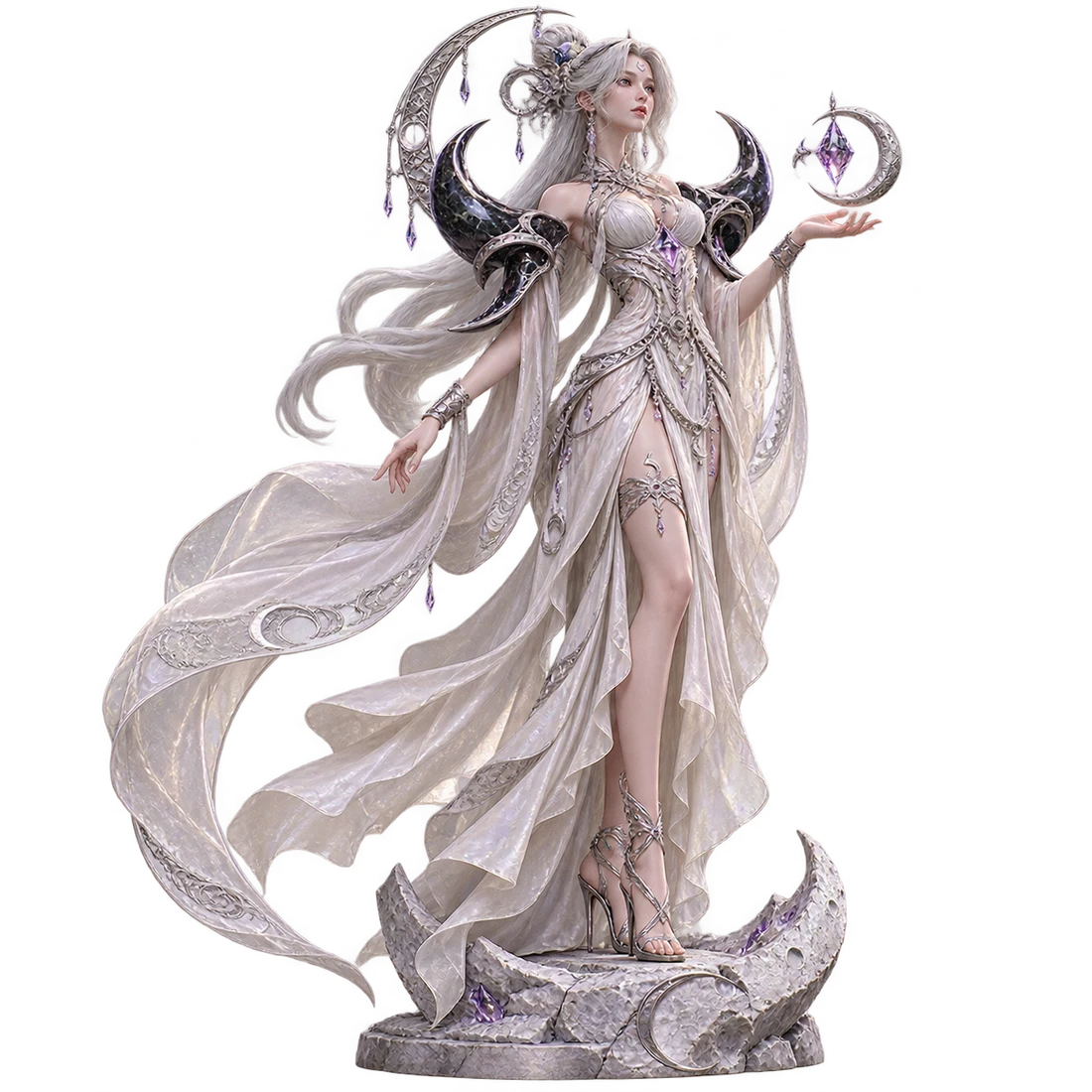
2D reference + 3D result
The Moonwarden
Sculpted silver, obsidian armor and flowing ivory silk.
 Image to 3D Model
Make a 3D model for a game or prototype. Sign in to get 20 welcome credits for one Trellis model.
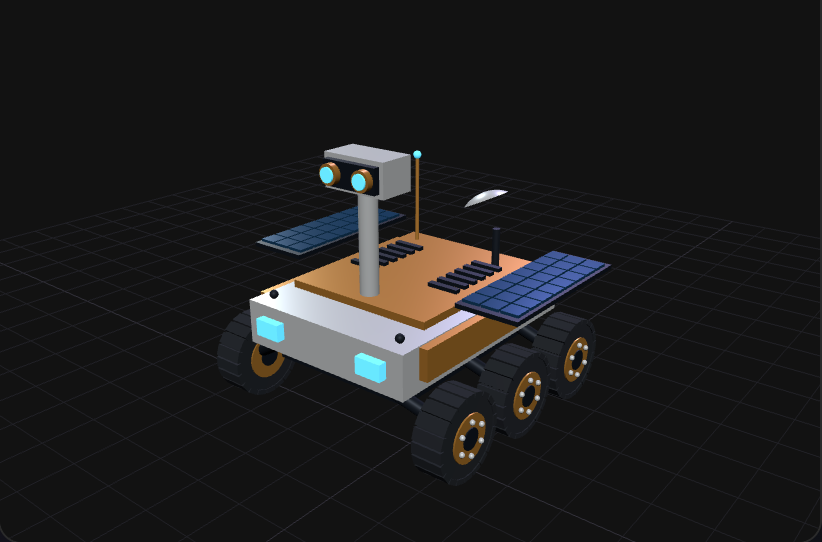 PNG · static view
Procedural rover demo and a reference image rendered from the same model.
Your generated 3D model will appear here.
Pick a template to load its reference image, or open a procedural 3D demo below.
Open a 3D example to compare it with the original illustration. Select “Use as a reference” to load an image into the workspace.
The Moonwarden was generated with Tripo H3.1. Scarlet Velocity was generated with Trellis.
Sculpted silver, obsidian armor and flowing ivory silk.
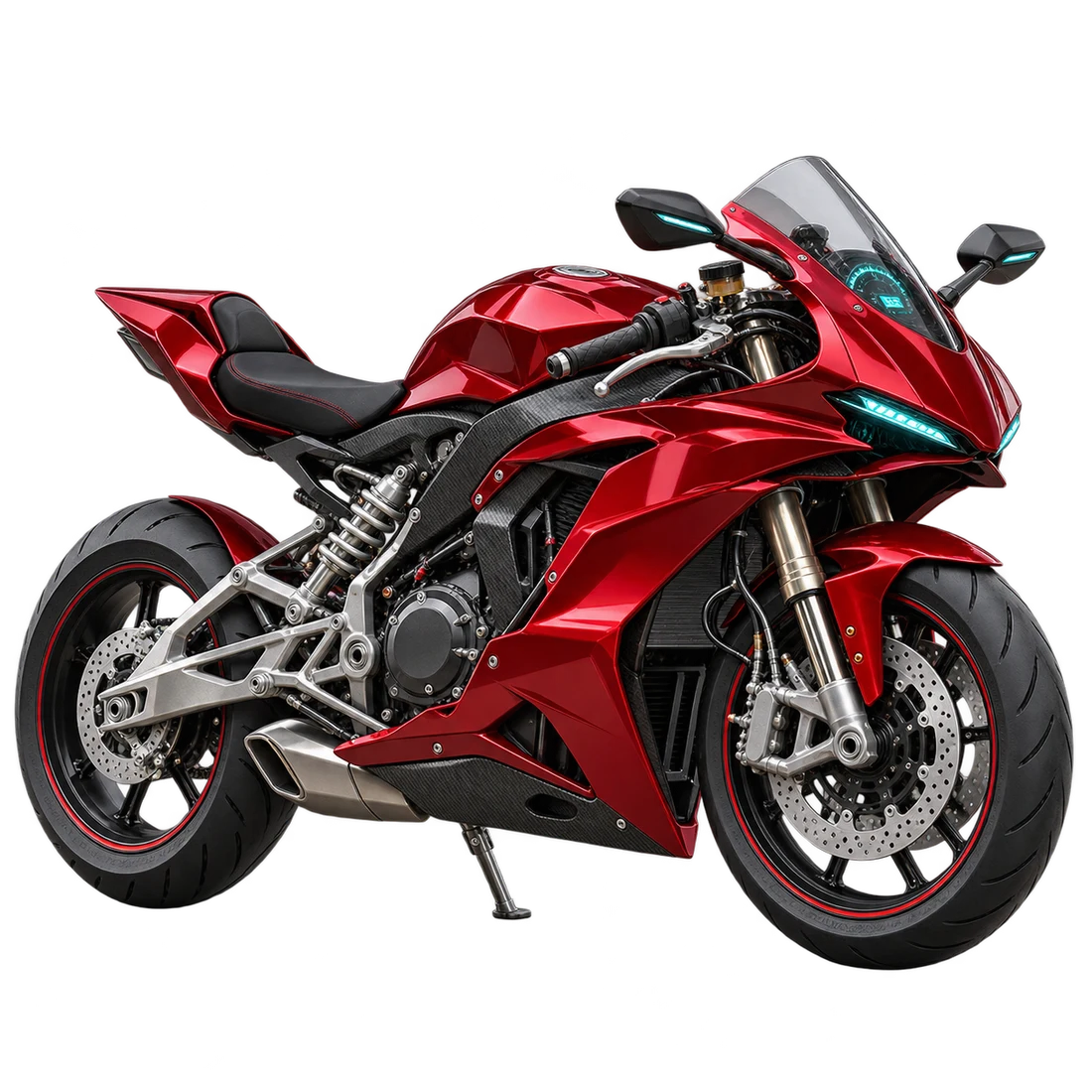
Sculpted red bodywork, exposed suspension and carbon-fiber detail.
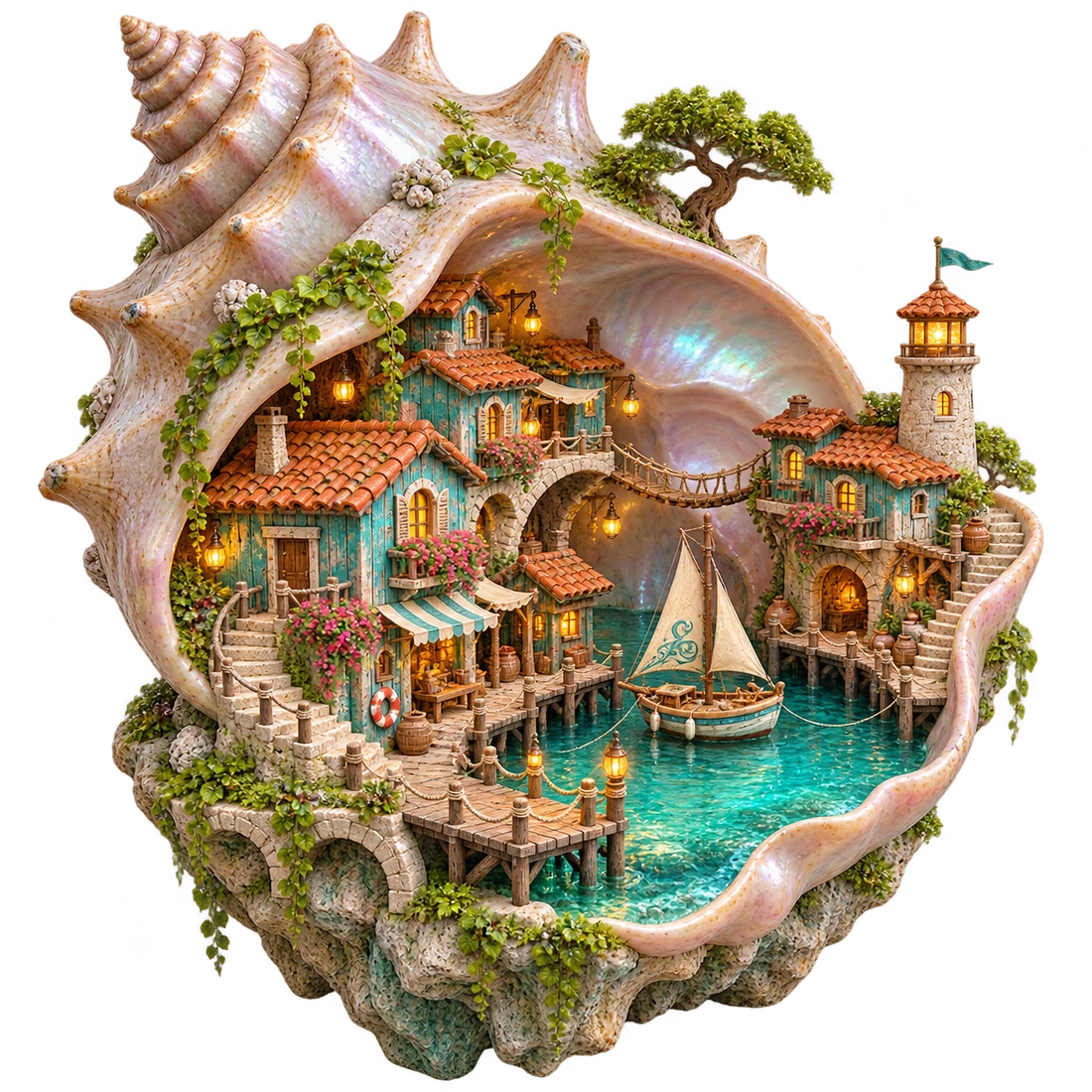
A tiny turquoise harbor tucked inside a pearlescent shell.
Upload a JPG, PNG or WebP. For one image, pick the angle that shows the most of the object.
Choose a model and sign in to generate. Rotate the result to check the parts your reference left hidden.
Download a GLB for editing or export an STL for slicing.
Compare generation costs and credit packs.
Choose your reference based on how people will see and use the model. A background object may only need a recognizable outline. A prop the player can turn over needs more detail on the back.
Use a full-body reference with a little space between the arms and torso. Before rigging, turn the model sideways and check whether the hands, sleeves and body are separate.
For a prop that players pick up, include the side they will see when they turn it over. On a motorcycle, check whether the space inside the frame survived generation.
Separate a scene into pieces you can place individually. If the reference shows a shop and an awning, generate each piece from its own image so you can reuse them elsewhere in the level.
Check that different AI-generated views agree on the design. A side view with a new handle or a missing wheel describes a different object and can throw off the model.
Have photos from several angles? Use the guide to using multiple images to decide which ones show the shape best.
Frame the whole object so its silhouette is unbroken. Cropped handles, cut-off limbs, or a subject leaving the frame make volume much harder to read during reconstruction.
A photo taken slightly from the side can show the depth of a seat or the gap behind a handle. From straight ahead, those surfaces can disappear.
Use soft, even light so you can see the edges. Move the light if a reflection wipes out a seam or a shadow hides part of the outline.
Pick a plain background that contrasts with the subject. A pale tabletop can swallow the edge of a white cup, especially at the handle.
Compare the result with your reference, then check it in the software you plan to use.
Open The Moonwarden or Scarlet Velocity to compare the source illustration with its generated model. The shell harbor is a 2D reference. The rover is a procedural demo, and its reference image was rendered from that model.
Yes. Add a photo, choose a model and select Generate. Sign in to start generation, then rotate the result and check the shape from several angles.
Use JPG, PNG or WebP images up to 6 MB and 40 megapixels each. The viewer opens local GLB files up to 50 MB with embedded textures.
Start with an image. If you have a text prompt, turn it into a reference illustration first.
Use a single, complete subject with a clear silhouette, even lighting and a simple background. Avoid cropped objects, reflections and overlapping subjects. A single photo does not show the back of an object, so reconstruction estimates unseen surfaces.
Choose Texture if you need surface color. Some models can also generate maps for roughness and other material properties. Choose Geometry if you only need the mesh, for example when blocking out a scene.
Use GLB to keep the model’s materials and textures. Export STL if your slicer needs the mesh alone.
Import the GLB into your target engine or a compatible editor and check its scale, materials and triangle count. For an animated character, inspect how the mesh bends at the joints before you spend time rigging it.
Opening a local GLB keeps it in your browser. If you submit a generation, your reference images are sent to fal.ai to create the model.